
PrimeX

#2539-Remove WhatsApp Number from Business Portfolio
PrimeX

#1 PrimeX
PrimeX

Hello everyone i am facing an issue while trying to remove a WhatsApp number from our Business Portfolio.The number is currently active on the WhatsApp Business App.


When attempting to remove it from the Business Portfolio via Business Manager, am consistently receive the error message: “Error performing query.”


The number is recently connected in Business Portfolio and i dont want to use it in current business portfolio, but the system does not allow removal and throws the same error every time.


Has anyone experienced a similar issue?


Is there any alternate process to safely detach the number from the Business Portfolio?


Any guidance would be appreciated.
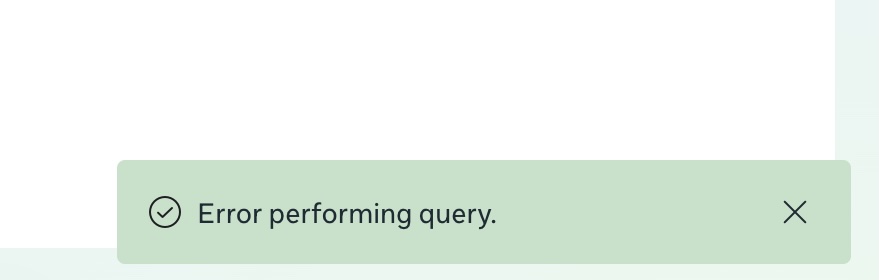

1772477245_BSP%20error.jpg

#2 Sales
Sales

No need to remove form Business Portfolio

From Mobile: Just go to WhatsApp Business App > Account > Business Platform then "Unlinnk"

#3 Sarower Hasan
Sarower Hasan
(Last updated )

Dear User,


Thank you for sharing your concern on our forum. Yes, the account needs to be unlinked from your phone application. If you wish to delete it, you must do so directly from the WhatsApp mobile app. It cannot be deleted from your WhatsApp/Meta Business Manager.

We’re glad to know that you have found the solution. If you face any further issues or have other inquiries, please feel free to contact our support desk.


Thank you.

#4 PrimeX
PrimeX
#3

Sarower Hasan

Thank you everyone for the response in the app nothing showing becasue the number just connected in Business portfolio only directly without embedded signup process.