#2444-Images visibility broken to agents in shared inbox
PrimeX

#1
PrimeX

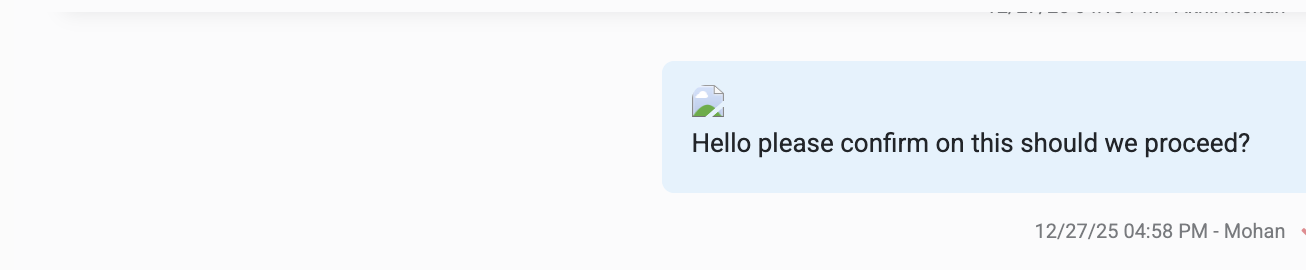
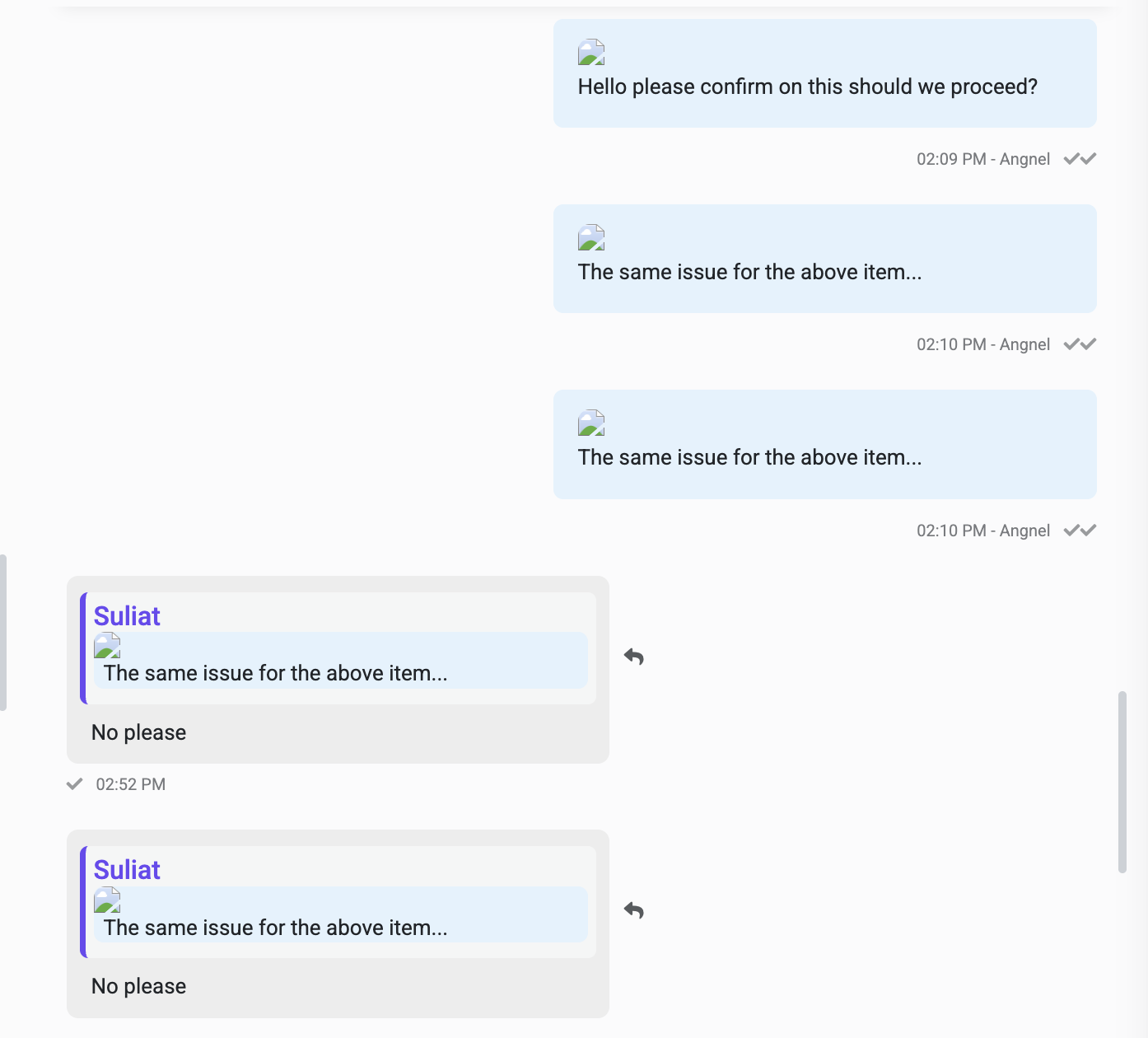
Images shared over the WhatsApp chats are delivered successfully and visible to customers. However agents cannot view the same images inside the shared inbox. The chat shows broken or blank image placeholders and issue was found since 27 Dec.


Any image visible to the customer should also be visible to agents in the chat interface.


Please investigate media fetching, caching and display logic for agent views and confirm if this is a known issue.


1767113771_Screenshot%202025-12-30%20at%208.47.49%E2%80%AFPM.png


1767113775_Screenshot%202025-12-30%20at%208.52.28%E2%80%AFPM.png


#2
Kamrul Hasan

Dear User,


From our end, the image is displaying correctly. Please open a ticket with our support desk so we can investigate the issue from your side.

Thank you.


Best regards,

Kamrul Hasan

#3
PrimeX
#2

Kamrul Hasan

Dear Kamrul Hasan,


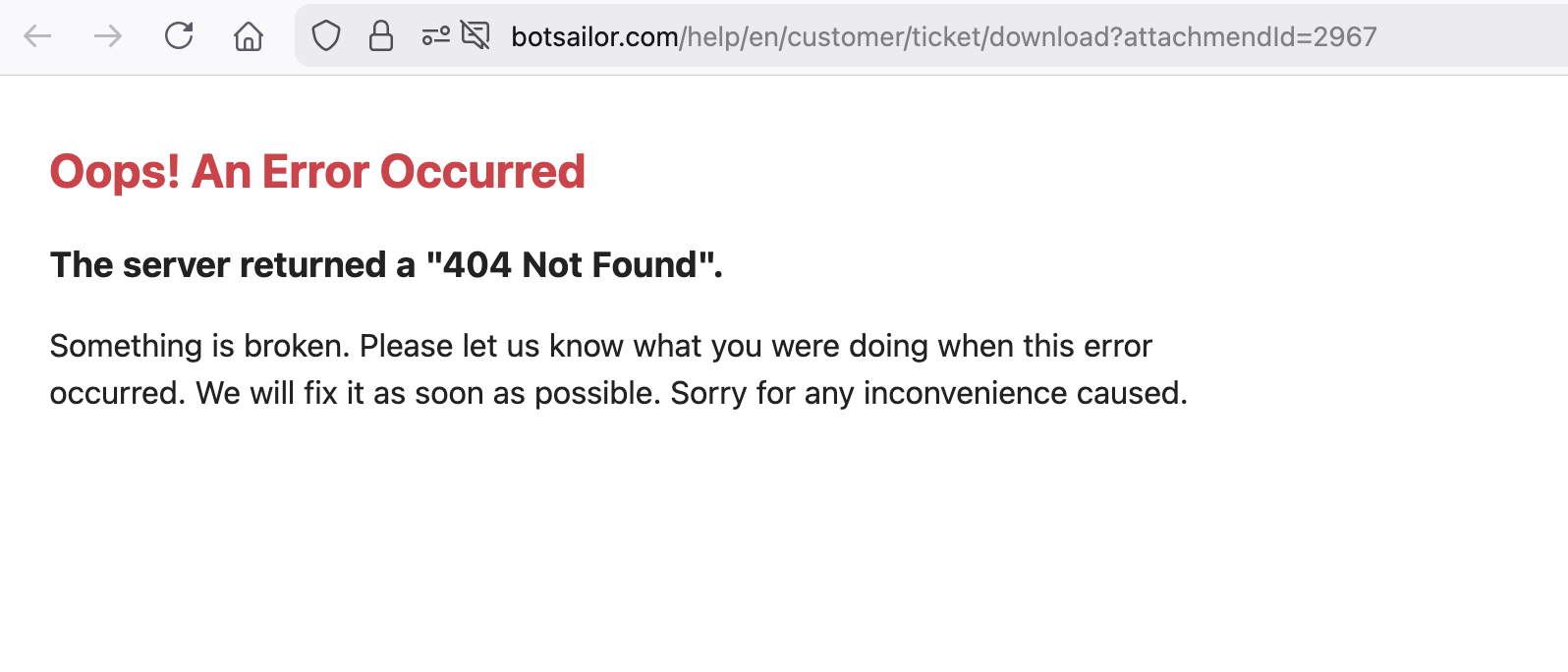
I have monitored this closely and the same issue has occurred again sine few days not every image is get broken but most of them. Images are broken for agents in the shared inbox while customers can view them correctly as mentioned earlier as well. This is the same issue highlighted earlier under support ticket ID 3502.


As mentioned in the previous ticket, you requested login details since this was not reported by other users and you wanted to check from our account.


Based on repeated occurrences across different dates I believe this is not an account level issue. The behavior points to a system level problem related to media fetching, caching or rendering in the agent interface.


Any image visible to the customer should also be visible to agents without dependency on a specific account setup.


Please re investigate this as a recurring platform issue and confirm the root cause.


Thank you.


1768829870_Screenshot%202026-01-19%20at%205.37.38%E2%80%AFPM.png


#4
PrimeX
#3

PrimeX

Any update on this we are keep facing this issue on daily basis images are getting broken and we cant see which one's we have shared with customers

#5
Kamrul Hasan
#4

PrimeX

Dear user,


We have responded to your support tickets. Please follow the instructions provided in our ticket replies, and this should help resolve the issue.

Thank you.


Best regards,

Kamrul Hasan

#6
PrimeX
#5

Kamrul Hasan

Thanks Kamrul Hasan appreciate that the issue has now been acknowledged and team is working on a fix. This is exactly what we expect when raising a concern, it means we have genuinely faced the issue.


Based on repeated occurrences this is clearly not an account level problem but a technology related bug. I will keep monitoring it from our side and raise it if again same issue face

Looking forward to the resolution.

#7
PrimeX

Hi Kamrul Hasan please note the issue is still occurring. Although it was marked as resolved we are continuing to see broken images on the agent side for media that was previously delivered successfully to customers.


Please recheck from your end and update the progress on this why its not resolved even threat marked as resolved.

#8
Kamrul Hasan
#7

PrimeX

Dear User,


The images you previously used have been deleted. Please upload new images to your message templates or chatbots and try again.

Please note that older chats will not display any images, as those images are no longer available.


Thank you.

Best regards,

Kamrul Hasan

#9
PrimeX

Hello Kamrul hasan as i briefly explained you over the ticker also, this is not a rare case as i mentioned earlier. In most chats images eventually break for agents even though they were delivered correctly to customers.


Re uploading media is not practical each order contains multiple images and identifying, retrieving and re uploading them increases operational workload. We also cannot resend media to customers just to restore agent visibility. (Do you think its a good idea to reshare the images which being delivered successfully to the customers again just to make sure its restore for agent visibility)


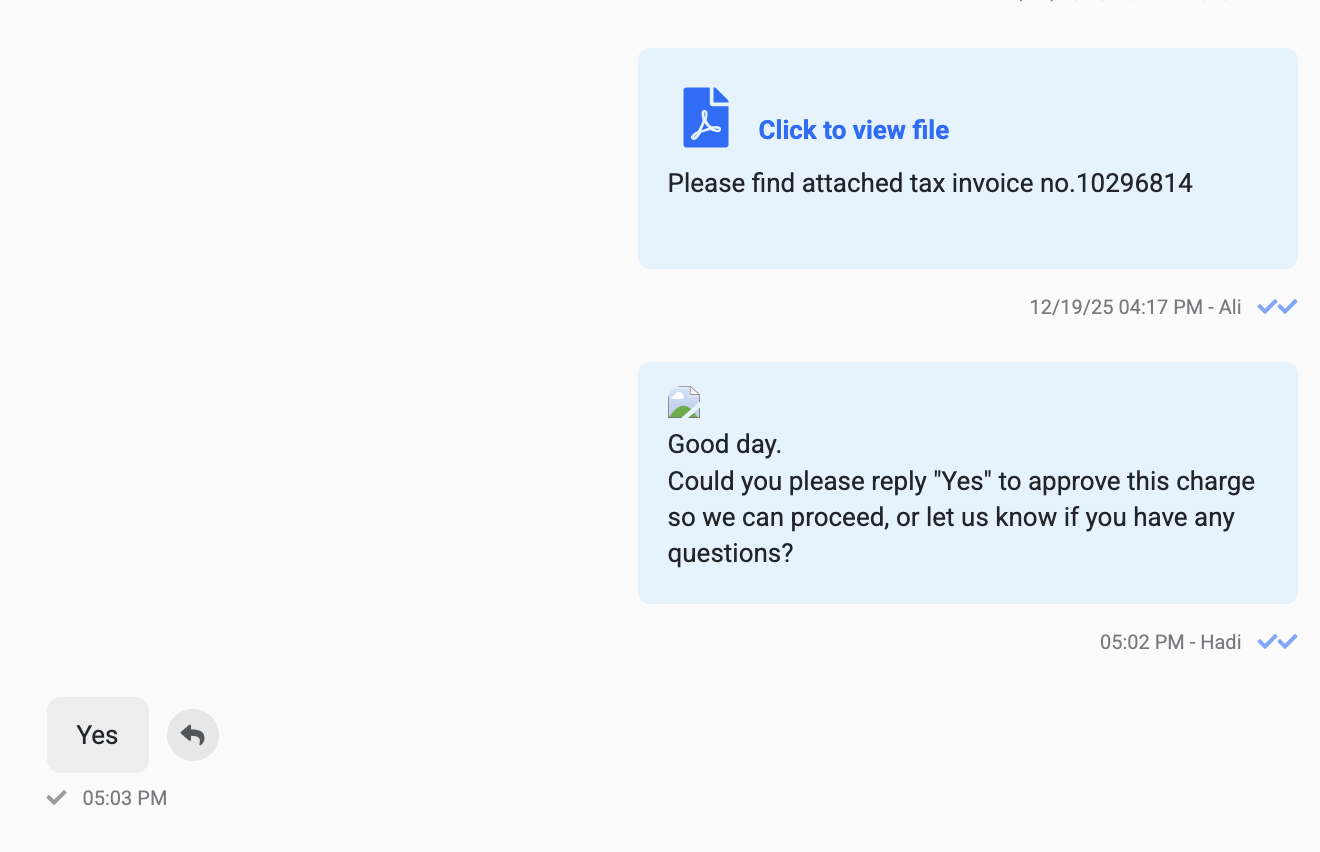
Images that were previously visible should not disappear later even the bug i raised it for ticket section also what ever the the images was shared not able to preview it again you might can see in the backend but user cant access it attached is the snapshot reference for you this clearly points to a backend issue with media sync or expiry handling.


Please review this thoroughly on the backend to reconfirm the current workaround is not sustainable for live operations


1769504053_LPf2vbrpFwBqtMs9.png


#10
PrimeX

Hello BS team what is the update on this? The issue still exists and has not been resolved but the status is marked as resolved.

#11
Kamrul Hasan

Dear PrimeX,


We will investigate the issue again.


Thank you.

#12
PrimeX
#11

Kamrul Hasan

Yes please as per ticket the issue was resolve so how come again this appears 90% images are getting brooked at agent end

#13
Kamrul Hasan
#12

PrimeX

You are deleting the Bot Replies after sending the message or changing the image on the bot. It's not an issue from BotSailor. Please ask your team members, how they are doing this.


Thank you.

#14
PrimeX
#13

Kamrul Hasan

Hello Kamrul hasan please note images shared by chat manually not by bot and single message cant be deleted as you know there is no possibility

#15
Kamrul Hasan
#14

PrimeX

Okay, I understand. Is this issue occurring with a specific account or bot, or is it affecting all accounts and bots? Please help us investigate the issue.

Thank you.


#16
PrimeX
#15

Kamrul Hasan

Hello Kamrul hasan this issue is not limited to a specific account. From my continuously observation it is a general back end issue.


If we are facing it consistently it clearly means the issue exists at a system level. Other users may not be sending media frequently or may not be reporting it but that does not mean the issue is not present. Farhan already checked and confirmed Ticket Id #3502 the issue and even though it was marked as resolved but it is still occurring.


This needs investigation on why and how the media refresh or sync is failing intermittently.


Please check with backend level analysis rather than treating it as account specific.

#17
Kamrul Hasan
#16

PrimeX

Dear User,

We have responded to your tickets. We may need to troubleshoot using the accounts that are experiencing the issue.

Thank you.


Best regards,

Kamrul Hasan

#18
PrimeX

Hello Kamrul hasan trouble shooting was done already its the backend issue and waiting for the resolution on this earlier images broken was happening occasionally but now most images are getting broken on the agent side the issue is occurring consistently now

#19
Sarower Hasan

Dear User,


Thank you for sharing your concern with us. We will review the broken image issue in your team account. If there is anything that needs to be done, we will take care of it. We truly appreciate your patience and continued support.


Thank you