
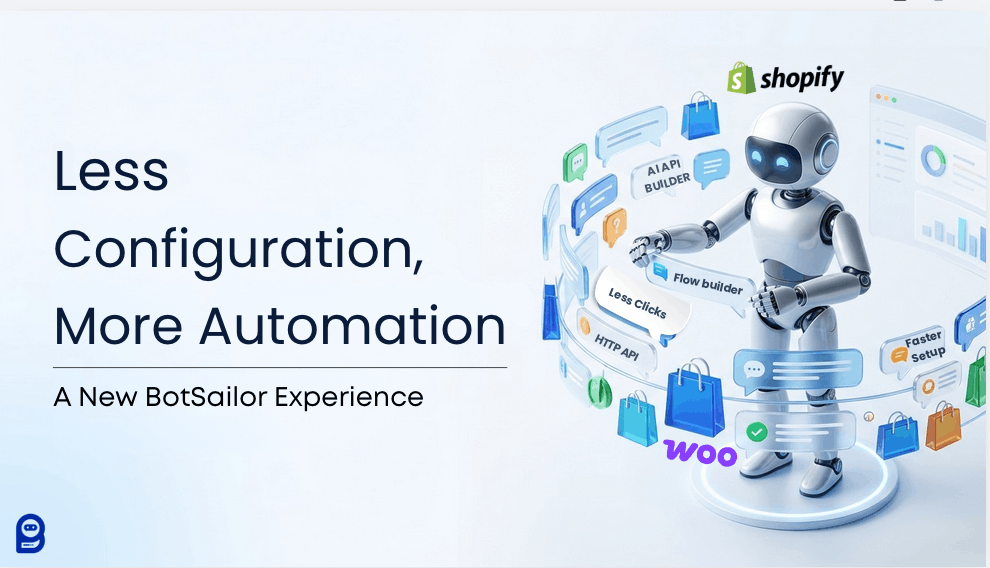
BotSailor is rolling out a major platform upgrade built around one idea, which is, less configuration, more automation. The update redesigns key areas like botsailor’s Subscriber Manager, Channel Connections, and the Flow Builder, adds an AI-powered HTTP API assistant, and cleans up navigation to cut/reduce clicks and menu-hopping for businesses, agencies, and white-label resellers.
BotSailor beliefs, powerful tools should feel effortless to use. That's the principle behind everything we build at BotSailor, and it's the heart of what we're announcing today.
Over the past few years, BotSailor has grown into a serious omni-channel/multichannel AI Chatbot automation platform. You can build WhatsApp automations, design conversations in the Flow Builder, manage customer chats through the Shared Inbox, send Broadcasts, and connect your Shopify or WooCommerce stores. The capability is there. The challenge? All that power sometimes came with too many steps, too many tabs, and too much setup.
So we're changing that. A major platform experience upgrade is on the way, one focused on making BotSailor faster, easier, and more scalable to use. This post walks you through what's coming and why it matters for the way you work.
What is the core vision behind the BotSailor upgrade?
The vision is simple: less configuration, more automation.
For too long, building automations meant wrestling with settings before you could get to the fun part, which is actually creating workflows that drive results. This upgrade shifts the balance. We're moving away from heavy configuration and toward intuitive building, so you spend more time automating and less time setting up.
Several core areas of the platform are getting a UI/UX overhaul:
- Subscriber Manager — cleaner views and faster access to contact data
- Channel Connections — a smoother process for linking your channels
- Shopify and WooCommerce integrations — simpler setup for e-commerce stores
- Navigation — a redesigned structure that reduces clicks
- Flow Builder — a more focused, distraction-free building experience
- New AI API Builder- A new AI API Builder to help non-tech people
The benefit is consistent across all of them: save time, reduce clicks, and enjoy a platform that feels coherent from one screen to the next.
How does the new Flow Builder reduce menu-hopping?
If you build a lot of automations, you know the frustration of constant tab-switching. You're deep in a flow, you need a message template, and suddenly you're navigating away, losing your place, and breaking your focus.
This upgrade tackles that head-on with a completely redesigned, modern, and highly organized user experience.
With the new Flow Builder, you can now manage message templates directly inside the canvas—no switching tabs, no losing context. You stay exactly where the work happens.
But eliminating menu-hopping is just the beginning. We’ve overhauled the entire workspace so you can build and edit faster than ever before:
- Instant Node Discovery: A newly grouped left sidebar navigation with built-in search helps you find the exact node you need in seconds.
- Zero-Friction Workflow: Newly connected nodes now automatically open their configuration modal, allowing you to map out logic without unnecessary clicking.
- Smart Variable Suggestions:Simply type#inside any node or message field to instantly pull up custom field auto-suggestions.
- Faster Editing & Cleanup:Clone nodes, delete blocks, or remove connection lines instantly just by hovering your mouse over them.
- Advanced Logic & AI Validation:Build powerful routing with an improved If/Else builder that supports multiple concurrent conditions in a single rule set. Plus, the User Input Flow now features brand-new AI-powered image validation.

For agencies and businesses building dozens of flows, these collective changes add up to massive time savings and a much smoother creative process.
Less menu-hopping and fewer clicks mean more momentum. You think it, you build it, you ship it.
What is the new AI-powered HTTP API integration?
HTTP API integration is one of BotSailor's most powerful features & you could relate that. It lets you connect your bots to virtually any external service CRMs like HubSpot, email platforms like Brevo and Mailchimp, e-commerce tools like Shopify, ERPs, Google Sheets, and custom applications. BotSailor uses standard RESTful methods (POST, GET, PUT, DELETE) to send and receive data, so your bot can sync leads, fetch order histories, and trigger external workflows in real time. These are the basics we know.
Now here is the honest part, setting up these integrations has traditionally been complex. Headers, JSON bodies, dynamic variables, endpoints—it's a lot to get right, and a single typo can break a request. Can sound techy & difficult to navigate to a non-technical person as well.
That's why this upgrade introduces a new AI-powered assistant for HTTP API integration.
The assistant is designed to simplify setup, making advanced integrations accessible to non-technical users for the first time. You'll get guided configuration that helps you connect your tools without needing to understand every technical detail. At the same time, we're keeping complete flexibility for developers who want full control. Choose the AI assistant if speed and simplicity matter most to you, dive into manual configuration if you need granular control over every parameter. This is best system that could ever happen. An advanced integration, finally built for everyone.
Meet the AI API Builder
Setting up complex integrations is now as simple as having a conversation. With the new AI API Builder, you no longer need to manually configure endpoints, headers, or parameters.
Just tell the assistant what you want to build. You can describe your goal in plain English, paste the external platform's API docs, or simply drop in a raw cURL or JSON payload. The AI instantly analyzes your input and generates the complete setup.


Check out the example below to see how pasting a simple cURL or JSON command instantly starts the configuration process.
Read here:A Simpler, AI-Assisted, HTTP API Configuration
How does cleaner navigation make BotSailor faster to use?
A growing platform can become a maze. As we've added features, we've heard you—finding the right tool shouldn't require a treasure hunt, right?This upgrade reorganizes BotSailor's tools and features into more logical, intuitive groups. Related functions now live together where you'd expect to find them. The result is a navigation experience that's cleaner and more predictable than ever before.
What does that mean in practice?
- Less confusion about where to find what you need
- Smoother discoverability of advanced features you might have missed
- A faster interface overall, with fewer clicks between you and your goal
For white-label resellers managing client accounts, cleaner navigation also means an easier experience to hand off and explain.
A foundation for what's next
This upgrade is more than a fresh coat of paint. It's a foundational step in how BotSailor works, a deliberate move toward a platform that scales with you.
Here's the summary worth remembering:
| Less of this | More of this |
|---|---|
| Configuration and complexity | Better workflows |
| Tab-switching and menu-hopping | Faster setup |
| Manual technical setup | Smarter, AI-assisted automation |
We built BotSailor to make automation powerful. With this upgrade, we're making that power genuinely easy to use, whether you're an e-commerce store owner, a digital marketing agency, or a reseller scaling client accounts.
The best part? This is just the beginning. Keep an eye on your dashboard and our announcements, because what's coming will change how fast you can turn ideas into automations.