
PrimeX

#2457-Access and Export Customer Pin Location Details
PrimeX

#1 PrimeX
PrimeX

Hello BS Team,


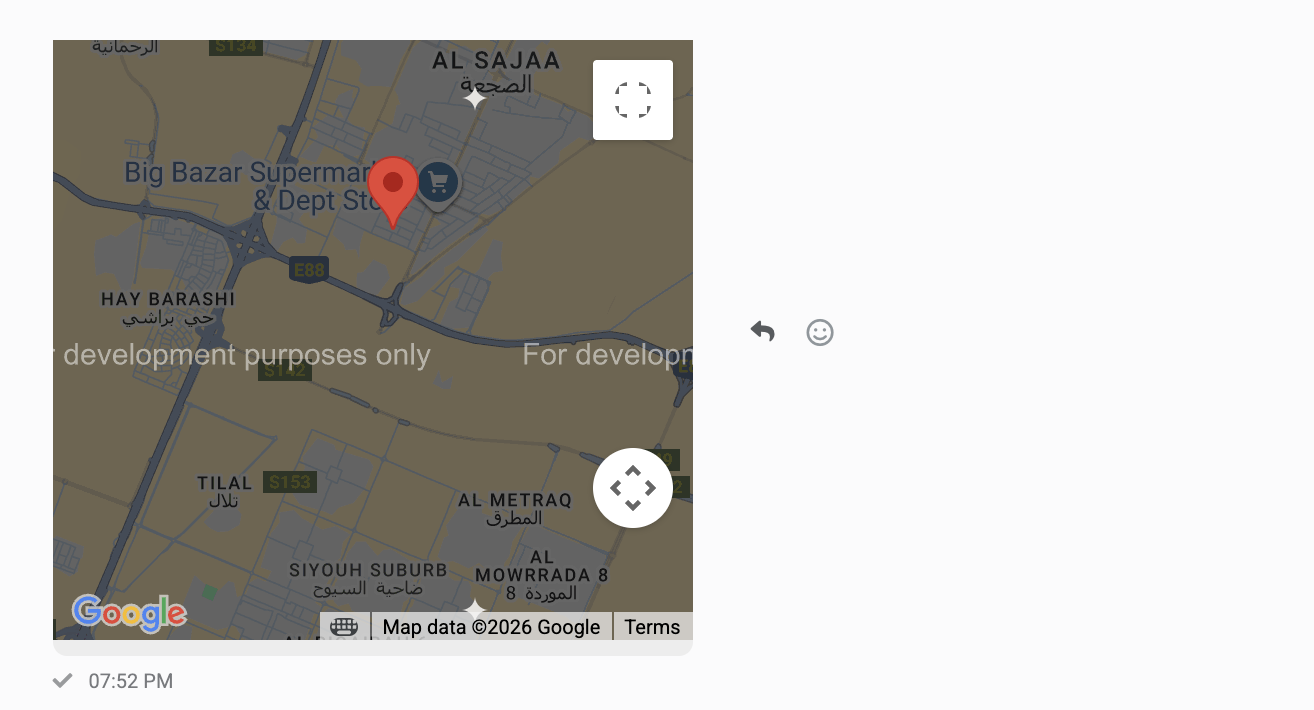
Currently when a customer shares a pin location there is no way to open it in a separate tab or view detailed location information. Latitude, longitude and a direct map link are not visible. This limits our ability to share accurate location data with our internal operations team.


Requested feature enhancements:

  • Open shared pin location in a new browser tab
  • Display latitude and longitude values
  • Allow copying of coordinates
  • Option to open the location directly in Google Maps


At present the pin appears as a static element with no actionable details. Adding these capabilities would significantly improve workflows for location based services.


Please let us know if this feature is already available, planned or can be considered for upcoming updates.
1767822993_Screenshot%202026-01-08%20at%201.51.47%E2%80%AFAM.png


#2 PrimeX
PrimeX
#1

PrimeX

Dear BS Team, Please note that the Google Maps preview is not working due to conflicts with another update. It is showing the error message:


Kindly check and do the needful thank you.


DONElOWAAAAAElFTkSuQmCC


#3 Kamrul Hasan
Kamrul Hasan
#2

PrimeX

Dear user,


We just tested from our account and it worked perfectly. If you still have the issue please open a ticket to our support desk. Please include your login credentials in the


Thank you.


DwRHXxn1ncCUAAAAAElFTkSuQmCC

#4 PrimeX
PrimeX
#3

Kamrul Hasan

Hello Kamrul Hasan I have checked on my end and the issue still persists. Please find the attached screenshot for example the map image is visible initially but after that it shows an error and its still clickable where its shows coordinates.


1ock+X96ARtAAAAAElFTkSuQmCC

#5 Kamrul Hasan
Kamrul Hasan
#4

PrimeX

Please open a ticket with your login credentials.


Thank you.