
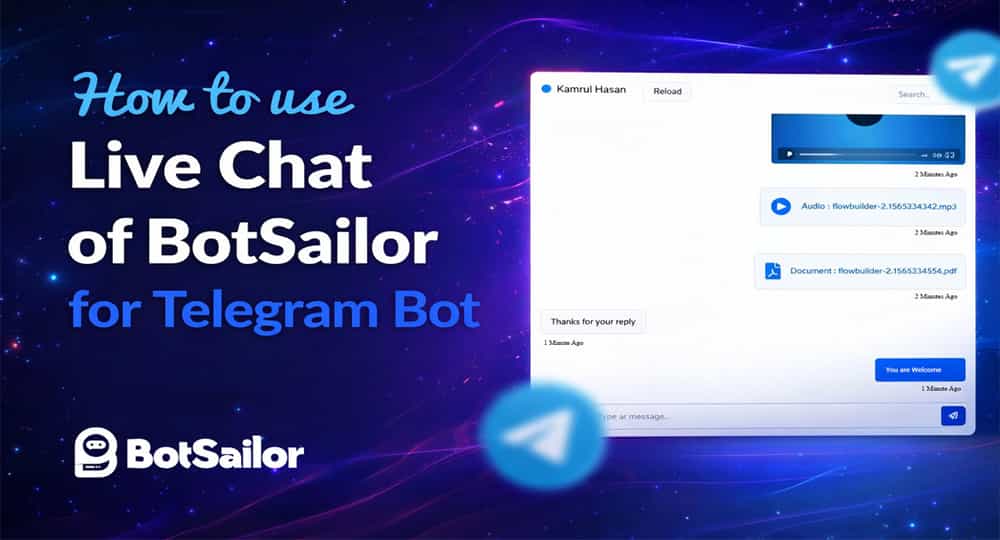
The conversation between a Telegram bot and a user is normally hidden from view. We're interested to learn how far the bot got in a discussion with a person, though. By adding a Live Chat option, BotSailor has found a solution. We can view the whole bot's conversation via the Live Chat feature of BotSailor and even take over the bot to respond to users as necessary.
We'll look at how to make the most of the live chat feature on BotSailor. On the dashboard's left navigation menu, we can access the BotSailor's Live Chat.

So, welcome to the live chat of the BotSailor. On the left side panel, we can see a list of the bot's most recent subscribers. To access the dialogue and comprehensive overview of a certain subscriber, all we have to do is choose that subscriber from the list.

We may take control of the chatbot and start messaging the subscribers. Simply enter the message and send it to the subscriber from here. Without the live chat, that is not practical.

The Live Chat's ability to send a bot reply, post back, sequence, and control user input flow is its most impressive feature. We can view a list of bots, postbacks, sequences, and user input flows by just clicking the Robot button. To send the user that specific bot response, we simply need to click on it.

When we click on the Robot Button it will show the list of post backs. Just click on the post back to send that bot relpy.

A success message will appear, and the user will receive the post-back reply.

By clicking the Subscriber Refresh button, we may reload the subscribers list. If we add numerous bot accounts to botsailor, we can change the bot account. We may also alter how quickly messages reload. The message will load more quickly the less time we choose.

For a specific subscriber, we may add or delete a sequence campaign as well as change the label for that subscriber. The final step is to simply click the save button to save the changes. We can view the subscriber's complete details below that.

Related Articles:
Create and Add Telegram Chat Widget
Link Telegram with BotSailor: Step-by-Step Guide
How to Add a Telegram Bot to a Telegram Group in 2025
The Live Chat feature of BotSailor is a very straightforward yet effective tool for a Telegram bot. Without the live chat, we wouldn't be able to know the conversations between the user and the Chabot.