
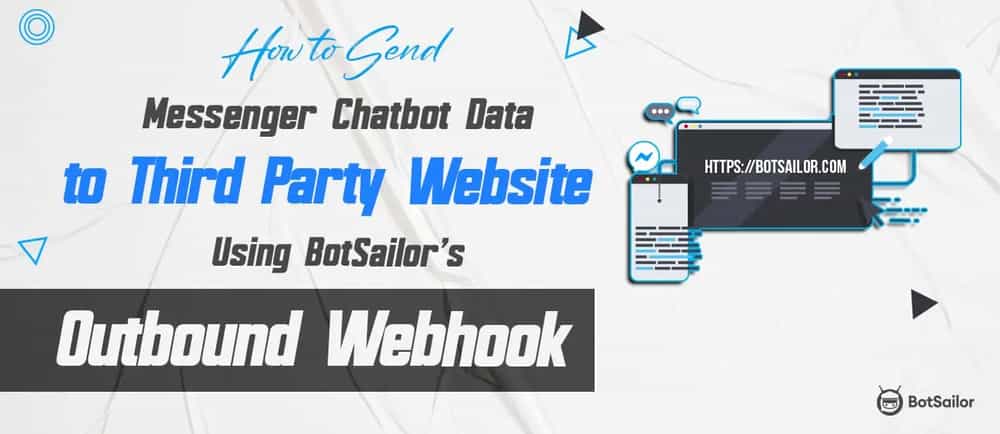
The Problem: Lead data trapped inside Messenger requires manual export.
The Solution: BotSailor Outbound Webhooks push data to 3rd-party sites via HTTP requests instantly.
3-Step Setup:
Collect: Create a Messenger flow to gather user info (Email/Phone).
Connect: Generate a "Catch Hook" URL in Zapier(or any CRM).
Trigger: Map the URL in BotSailor’s Outbound Webhook section to your bot flow.
The 2026 Edge: Achieves Instant Speed-to-Lead by syncing data to 6,000+ apps without using Google Forms or manual CSVs.
Introduction
Out-Bound webhooks are messengers in the web development world. They let one app send data or trigger actions in another app using HTTP requests. This creates a real-time pipeline for information and event notifications. Whenever something interesting happens in one app (like a new order or a completed task), it can send a webhook to another app or website to keep it in the loop. This is super useful for automating tasks, syncing data between apps, and setting up alerts. Here I am going to show you how you can use out-bound webhooks in Facebook messenger with BotSailor to a 3rd party website. Here I picked Zapier for an easy demonstration.

How you can use Out-bound webhook with Facebook bot with BotSailor and integrate with Zapier
To set up an outbound webhook, follow these steps:
1. Go to the BotSailor dashboard and click on bot manager under the Facebook section.

2. Select your bot, and navigate to the“Bot Reply”and click the `Create` button.

3. Now create a bot flow which will trigger the webhook. Here I am creating a bot flow which will ask for email.

4. Now navigate to the `Outbound Webhook` and click the `Create` button.

5. Before setting up the webhook, let’s create a webhook URL from Zapier as an example. Let’s log into Zapier and create a zap. Here, select the app as webhook and select trigger event as catch hook. You will get a webhook url.

6. Go back to BotSailor, provide a name for your webhook and specify that webhook URL you copied earlier. You must specify the input flow that you created earlier and save the webhook configuration.

7. Test the webhook by sending the message trigger. Then go back to Zapier and add a step by clicking on the (+) plus sign. Here search for “Email” and save it. Then map the webhook data into the email setup.

8. Click on continue and test the step. You will get the email as a test from Zapier. Then publish the zap.
9. Now try the trigger one more time from Facebook messenger.

10. Wait and you will get the email within a few seconds. Here I got the email from Zapier.

With these steps completed, your out-bound webhook is ready to deliver data and initiate actions as needed. This is how you can set up out-bound webhooks with BotSailor and 3rd party sites for sending data.
Conclusion
Out-bound webhooks are useful when you want to integrate other websites or CRM with BotSailor. Because these out-bound webhooks will make your life easier to collect user data without using some other things such as google forms and manually sending email, where you can use existing Facebook messenger chatbot to collect email or phone number, then automate that process with BotSailor and then let another website automate these thing using webhooks without any hassle! This is how BotSailor makes your business easier with features like out-bound webhooks.
Relevant Blogs
How to set up persistent menu in messenger and its use case Using BotSailor
Recurring Notification (RCN) Postback Manager on Facebook Messenger With BotSailor
Automate Business with BotSailor: Webhook Workflow Integrations Guide